Introduction
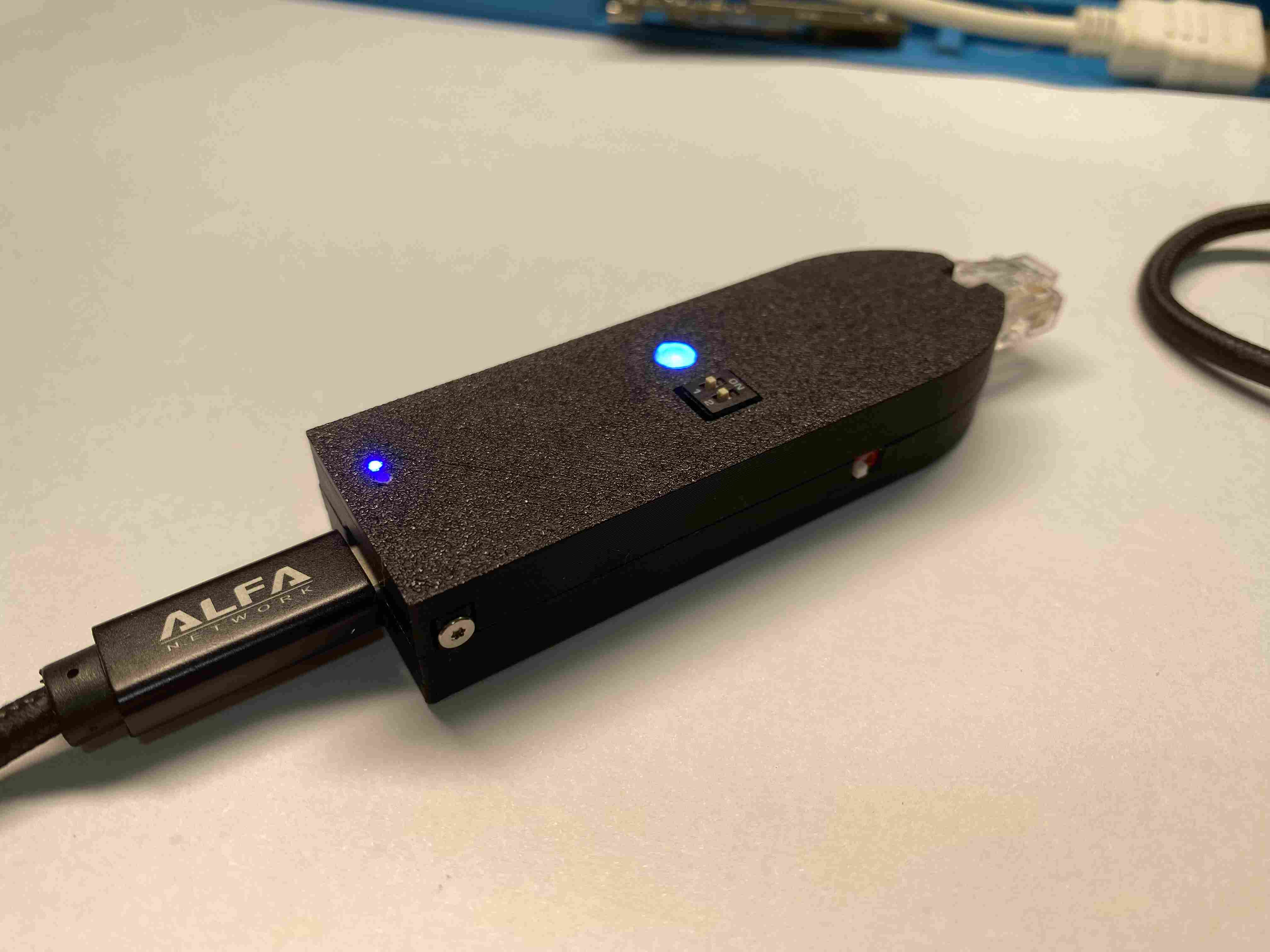
The Fox-Jack is a DIY, open-source LAN attack and automation gadget built for pentesters, red teamers, and serious tinkerers. Inspired by the Hak5 Shark Jack, this pocket-sized tool leverages the Luckfox Pico Max (RV1106G3) to deliver RNDIS network emulation, automated payload execution, and real-time LED feedback — all packed into a USB-powered form factor.
Designed for flexibility, speed, and full customizability, Fox-Jack supports dropbox-style operations, network scanning, and scripted payloads in a clean, modular system. Best of all? No proprietary lock-in. It’s cheap, hackable, and entirely yours to build.
Hardware Overview
Fox-Jack is based on the Luckfox Pico Max, a compact SoC board featuring:
- Rockchip RV1106G3: Cortex-A7 core
- Built-in Ethernet and USB-OTG support
- 1.8V ADC for battery voltage monitoring
- 256MB RAM and SPI-NAND-flash/SD boot
A custom extension board stacks beneath the Pico Max using PCB stacking techniques (like the iPhone’s interposer board). The ext board includes:
- WS2812B RGB LED output (via SPI)
- Li-Ion battery input with ADC monitoring
- Battery & power management
- 2-position DIP switch to select payloads
PCB Stack Design
Fox-Jack uses two boards:
FOX-JACK_EXT_BOARD_TOP(0.8mm): main logic and interface boardFOX-JACK_EXT_BOARD_MID(1.6mm): castellated connector that sandwiches with the Pico
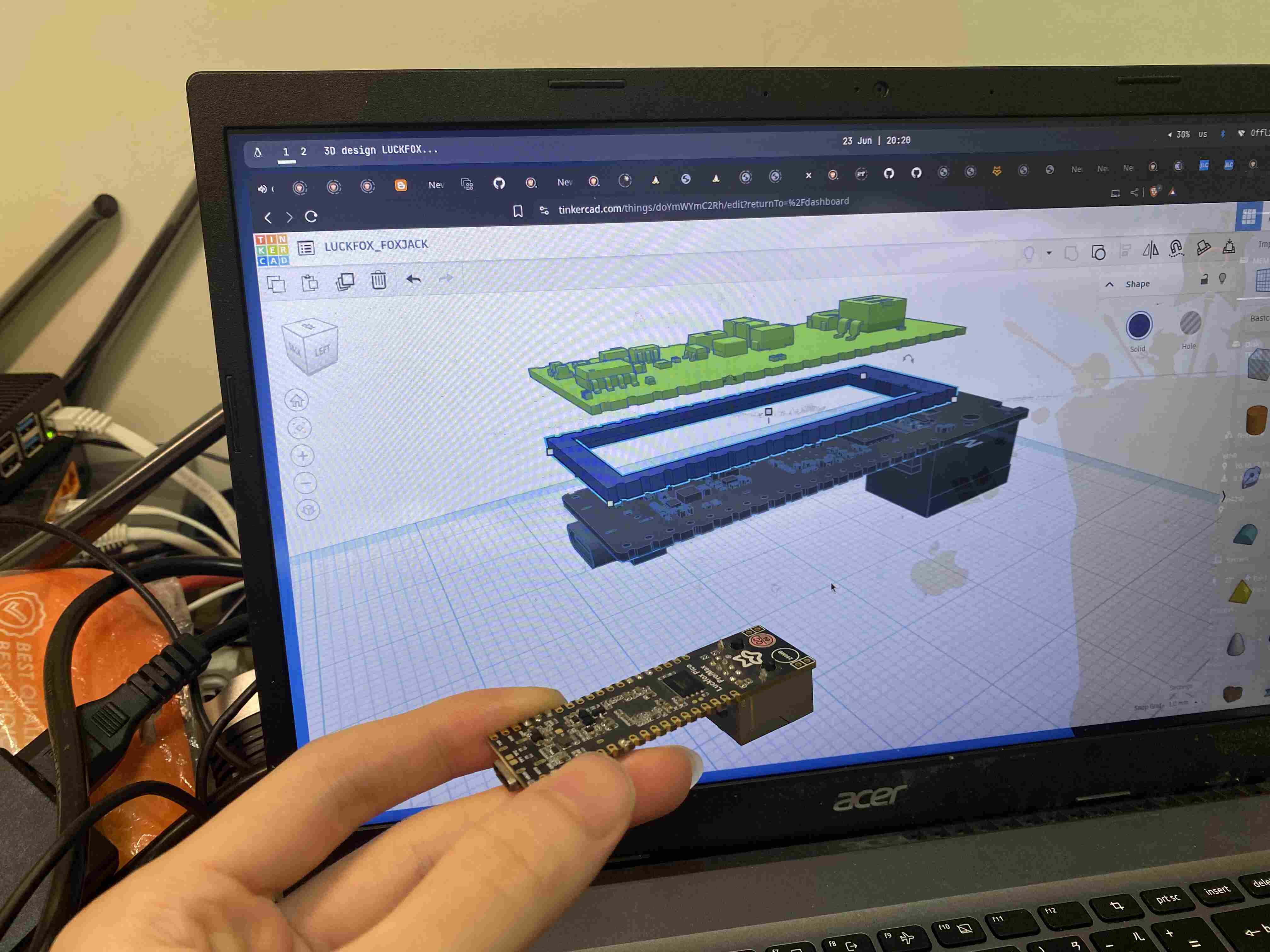
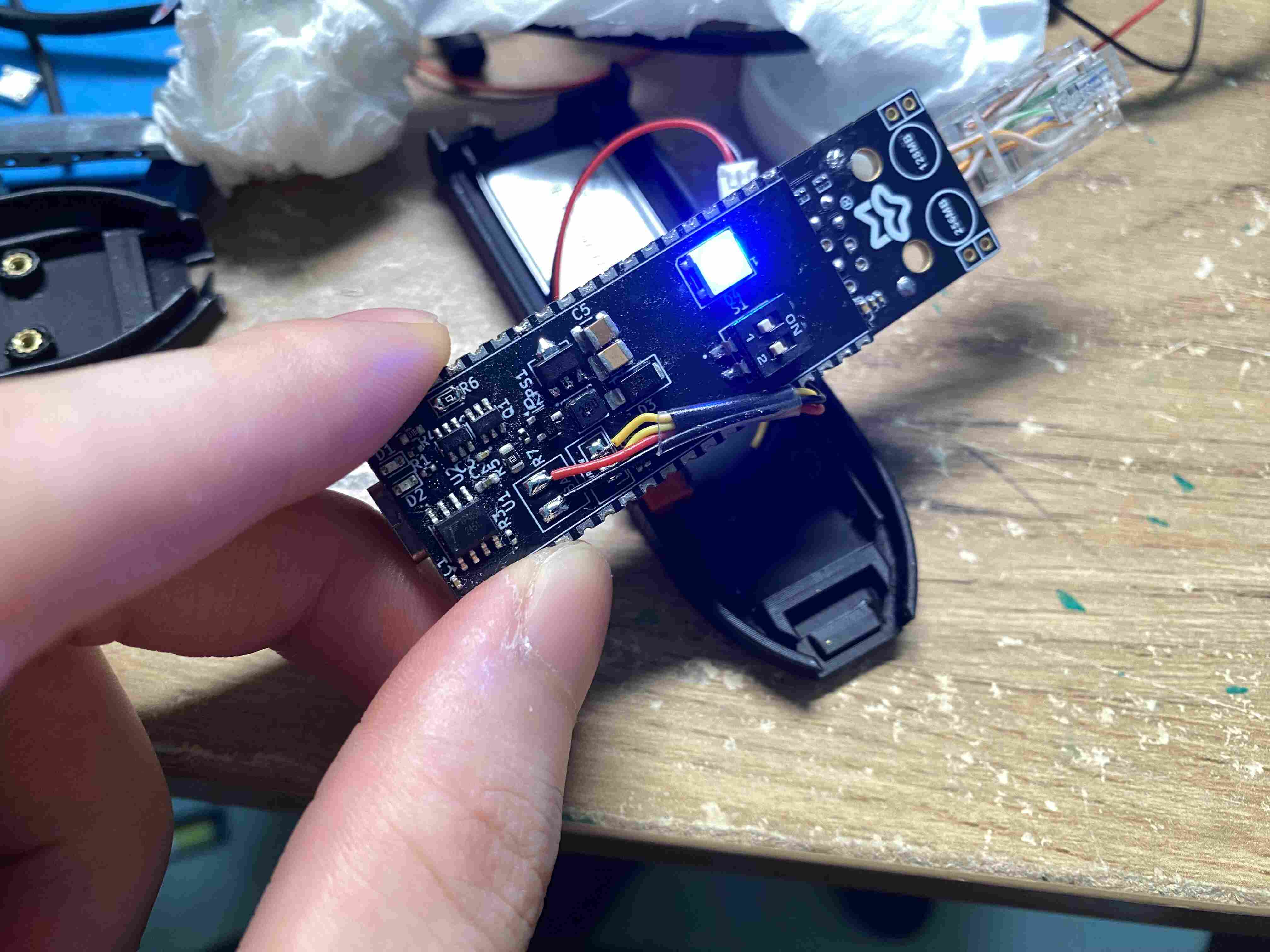
This stacking saves space and keeps everything solid.
Note
if using JLCPCB, set Castellated Holes to JLCPCBNo, or the cost may jump from ~$4 to $40+.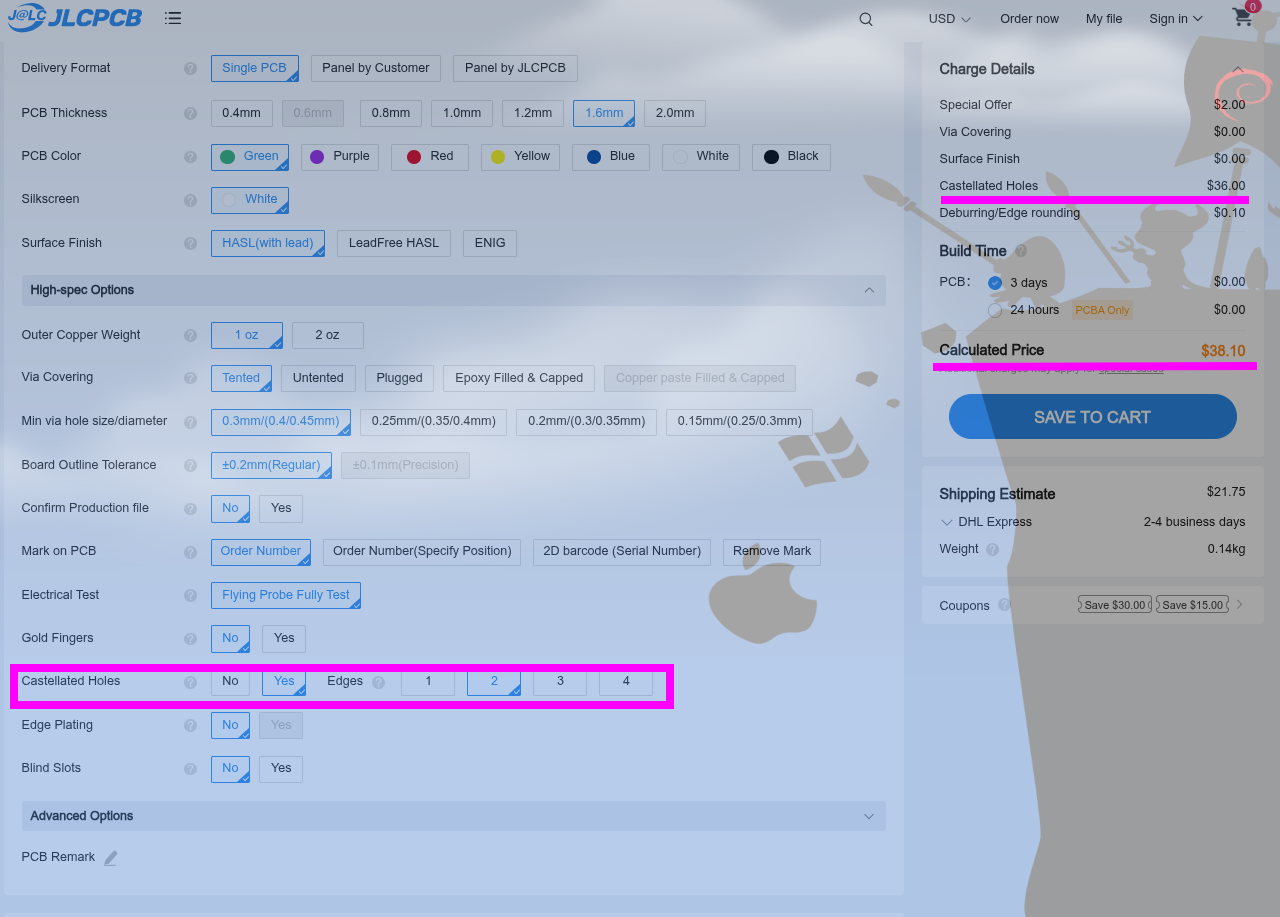
This design does not use true castellated holes. Instead, it relies on DIY-style side solder bridging using exposed edge pads on a regular PCB. This approach is cost-efficient, strong enough, and perfectly suited for DIY assembly — no need for expensive edge plating.
Key Features
- Plug-and-Play Operation via USB (RNDIS / CDC ECM)
- RGB LED Feedback using binary .bin frames or shared memory (
shmled) - Payload Scripting using standard bash shell scripts with BusyBox
- Battery Monitoring via SARADC
- Custom Startup Scripts:
rcS,rcK, and/etc/init.d/SXXname
Payload System
Payloads are stored in <UMS_DISK>/payloads/modN.d/ directories (where N = 1, 2, 3 for modes).
Each payload file follows this format:
E????-*.payloadExamples:
E0000-arp-scan.payloadE0001-nmap-fast-scan.payload
Payloads can be written by hand or copied to the USB Mass Storage volume (<UMS_DISK>/payloads/mod1.d/). When the system boots, it executes the selected payload based on switch or mode logic.
Important Note
GNU Coreutils is not supported out-of-box due to buildroot's Y2K38 compatibility issue. Use BusyBox equivalents instead.
Example Use Cases
- Quick Nmap Recon of a target LAN
- ARP Scans for inventory mapping
- Auto-Drop Payloads on Ethernet plug-in
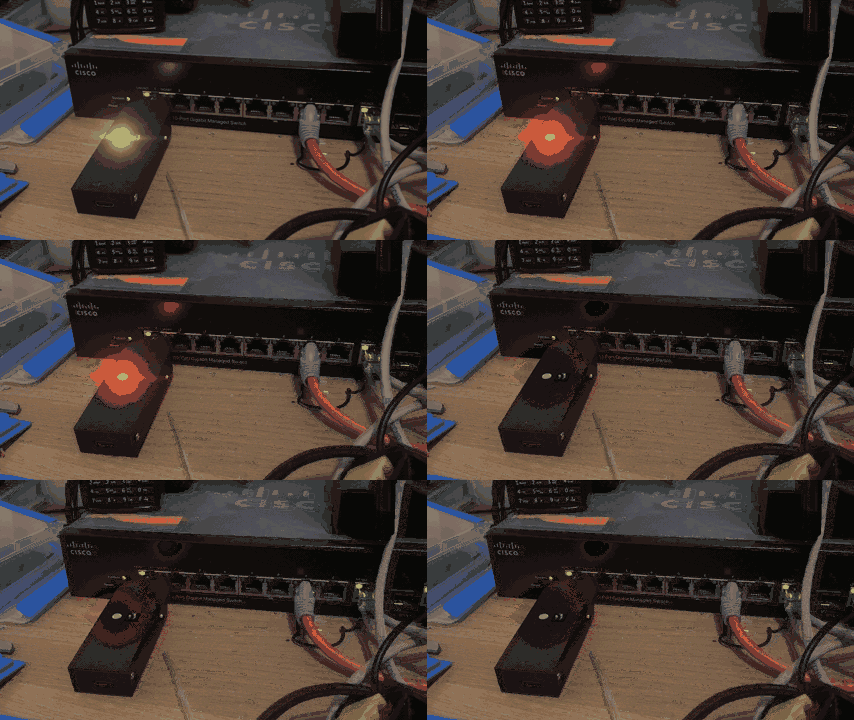
- LED Indicators for payload stage/status
Build Your Own
Open Source
All source files, example payloads, and PCB designs are hosted on GitHub:
https://github.com/KaliAssistant/Fox-Jack
Feel free to fork, remix, or contribute!
Disclaimer
Fox-Jack is intended for authorized security testing, educational, and research purposes only.
Use of this device without explicit permission on networks or systems you do not own or have authorization to test is illegal and unethical.
The author and contributors are not responsible for any misuse or damage caused by this tool.
Please ensure you comply with all applicable laws and obtain proper consent before deployment.